

How to turn a lesson or PDF into slides in four steps
- 1
Choose the source
A lesson from a plan you built in Motqn, lessons from files uploaded to the subject (such as a textbook PDF), or a topic you type.
- 2
Set length and design
Short (about 5 slides), medium (about 10) or long (about 20). Pick one of the ready-made designs, let Motqn choose, or upload an image to base a custom design on.
- 3
Edit the outline
Before anything is drawn you see the titles and bullet points. Edit, add and reorder slides until the flow matches how you teach it.
- 4
Generate, present, export
Each slide is rendered as a complete illustrated image. Present full screen with a notes panel, or export to PowerPoint or PDF.
What the slide deck gives you
Illustrated slides, not text templates
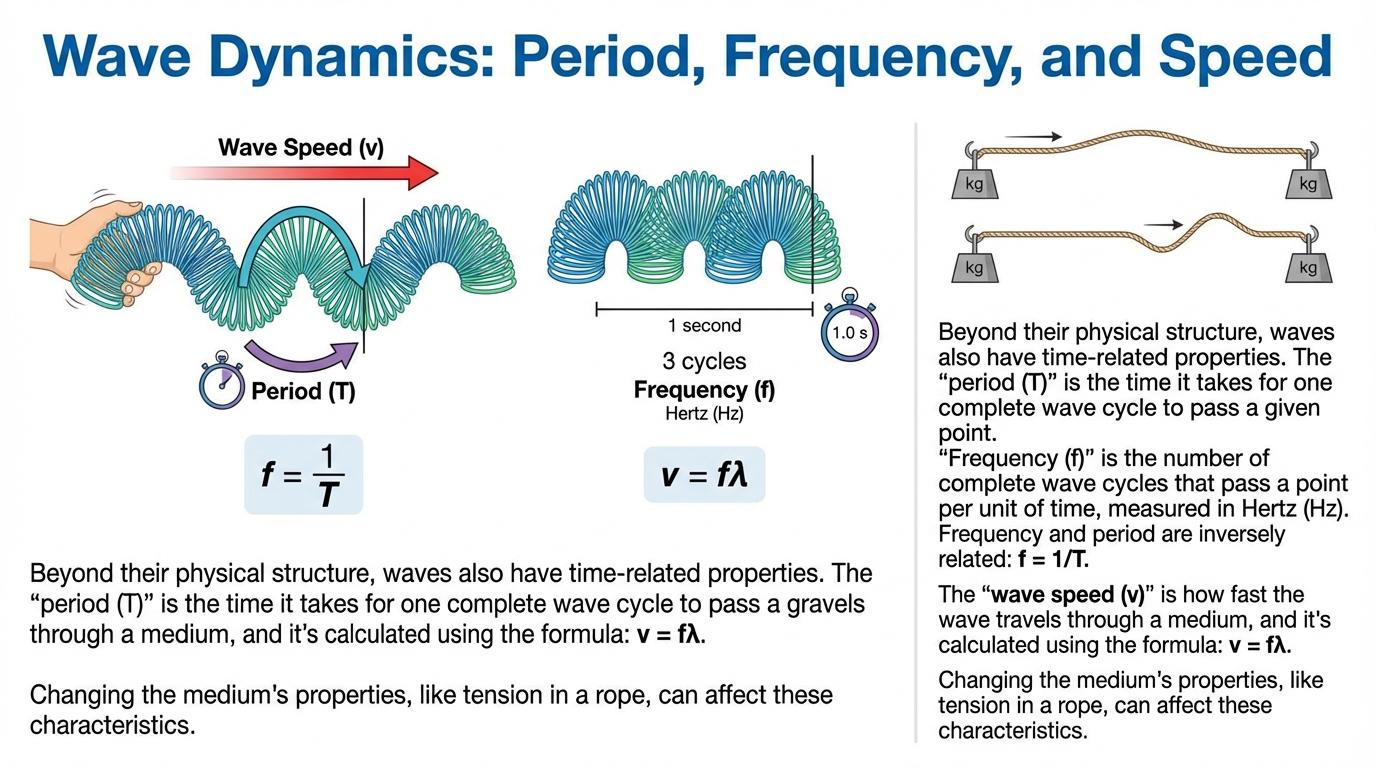
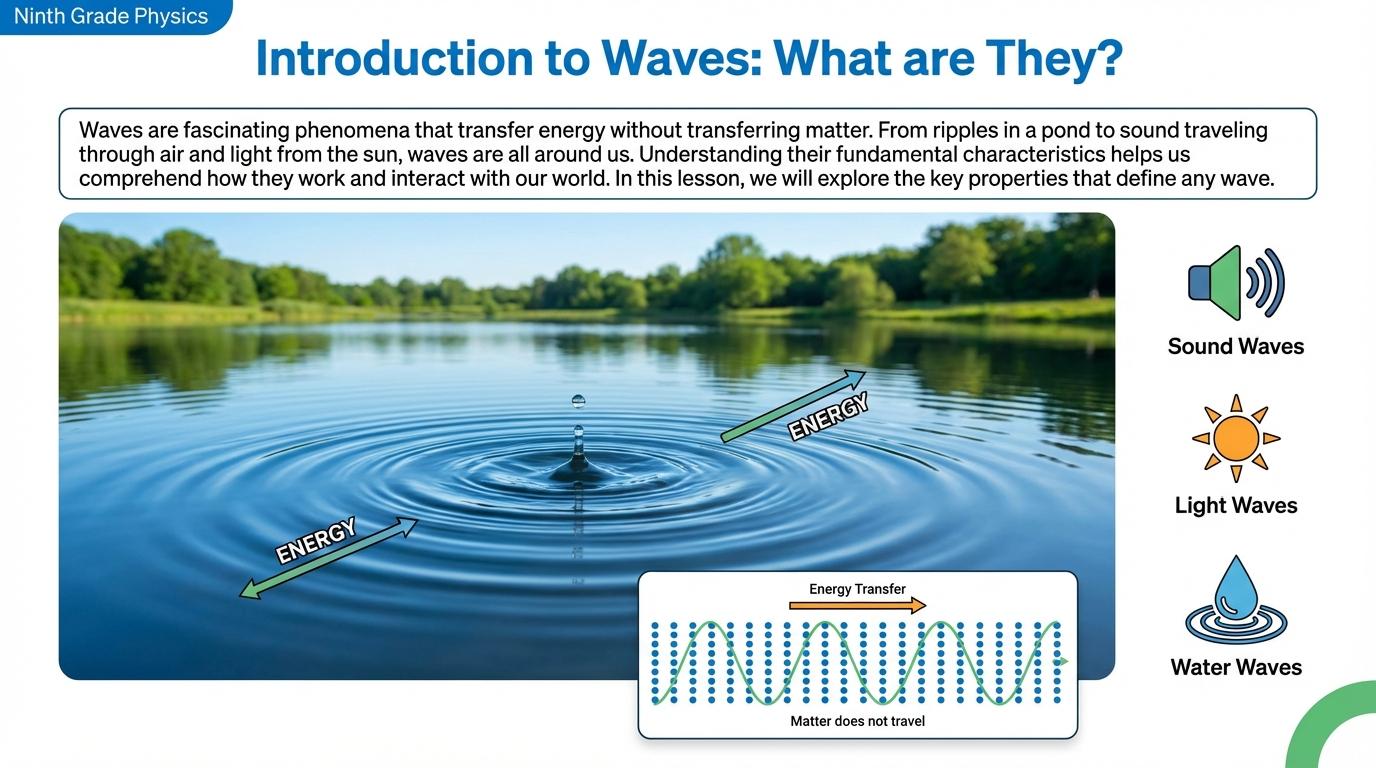
Every slide is an AI-designed image that combines the heading, explanation and artwork in one consistent visual.
Your school's look
Upload an image, such as a slide from your school's template, and Motqn builds a custom design from it. A logo shown in that image stays on the slides.
Text you can still edit
Pull a slide's text out into editable text boxes, and add text, image and shape layers on top with multi-step undo.
Targeted fixes
Regenerate one slide, or redraw only a selected area of it, and add YouTube video slides where a clip explains it better.
PowerPoint and PDF export
A PPTX file to open in PowerPoint and teach from, or a PDF to print and share.
Options before and after generation
- Source: a plan lesson, subject files such as a textbook PDF, or a free topic
- Deck length, up to 60 slides per deck
- Design: ready-made templates, automatic choice, or a design based on an image you upload
- Language, digit style and extra instructions for the generator
When teachers use AI slides for lessons
It suits any teacher who explains with slides and loses evenings to formatting instead of thinking about the explanation itself. Because the content comes from your own plan or textbook, it works for any subject and curriculum. Schools use it to keep slide quality even across a team, since everyone starts from the same plan and designs.
Typical classroom uses
- Tomorrow's lesson deck, made from a lesson in this week's plan
- A short revision deck before a test, built from a chapter PDF
- Explaining a hard concept with drawn visuals instead of dense text
- A theory lesson broken up with video slides
Before you put it on the projector
Read every slide
Slides are generated images, so a spelling slip or an inaccurate drawing can appear. Check before class and redraw the slide or just the faulty area.
Add exact quotations as text
The generator deliberately leaves scripture such as Quran verses and Hadith out of slide images, because the image model cannot write them accurately enough. Add any passage you need word for word as a text box.
Fix the outline, not the artwork
Changing titles and bullets before generation is far quicker than correcting a finished slide, so spend two minutes there first.
AI presentation maker for teachers FAQ
Can I turn a PDF into a PowerPoint presentation for my lesson?
Yes, in the way teachers usually mean it: upload the PDF (a textbook chapter or your notes) to the subject, choose the lessons, and Motqn writes a new illustrated deck from that content, which you export as an editable PPTX. It is not a file converter that copies the PDF's pages onto slides.
Can I edit the presentation after it is generated?
Yes. Inside Motqn you can turn slide text into editable text boxes, add text, images and shapes, and regenerate a whole slide or just part of it. The deck also exports as an editable PPTX file.
Where does the content of the slides come from?
From the source you pick: a lesson in a plan you built in Motqn, lessons from files you uploaded to the subject, or a topic you type. Starting from your plan or textbook keeps the deck inside your curriculum.
How many slides can a deck have?
You choose short (about 5), medium (about 10) or long (about 20), and can add slides by hand up to 60 per deck.
Can I use my school's slide design?
You can choose from the ready-made designs or upload an image, such as a slide from your school's template, and Motqn builds a custom design from it. If that image shows your school's logo, the logo stays on the slides.
What languages can the slides be in?
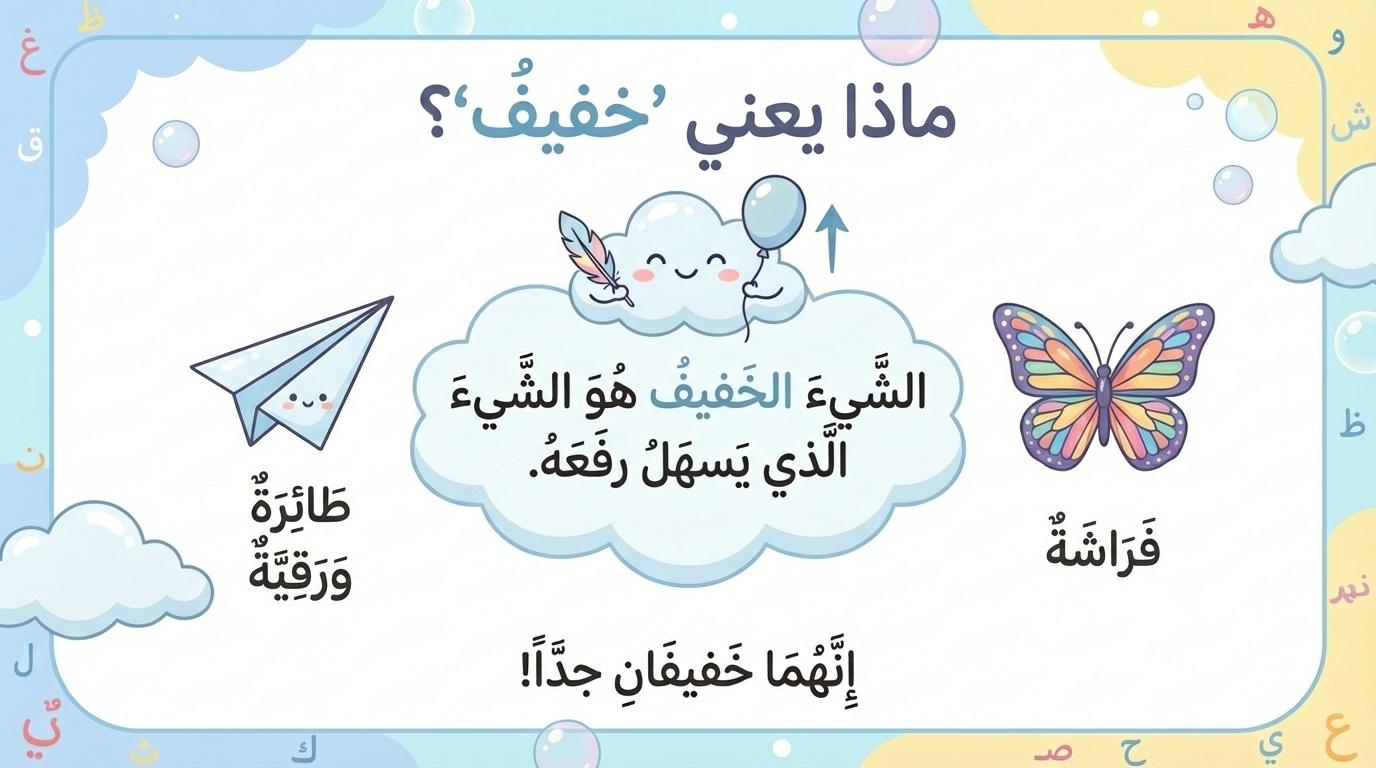
The deck's language and digit style are settings, so the same tool produces English slides or right-to-left Arabic slides from the same kind of source.