Canva Alternative for Lesson Content and Tests: Motqn vs Canva
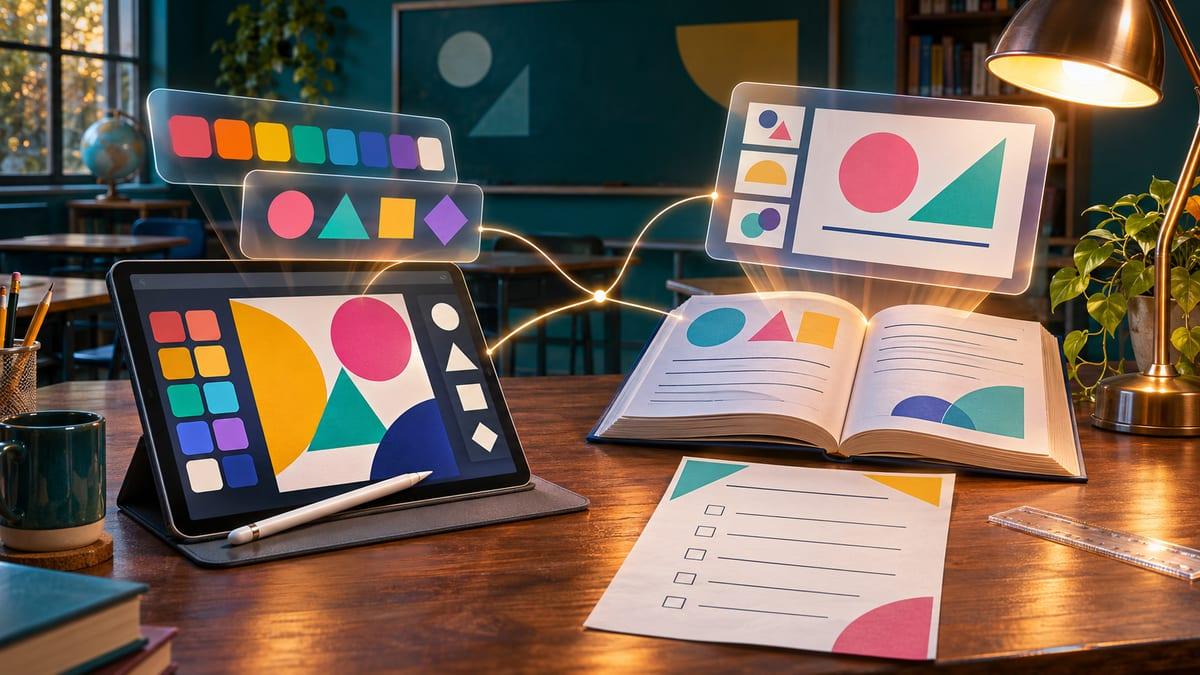
If you want a Canva alternative that builds the lesson content itself, Motqn does that from your textbook: a semester plan, an illustrated deck and a balanced test, followed by automated grading of student papers with every mark explained. Stay with Canva if your goal is design: attractive slides, worksheets and posters from thousands of templates, completely free for eligible K-12 teachers through Canva Education. Many teachers combine them: the content from Motqn, the visual polish in Canva.
Read the complete guide to AI for teachers — what to automate first, how to start in a week, and where the guardrails belong.
Motqn vs Canva for teachers (from each vendor's own pages, November 2026)
| Criterion | Motqn | Canva Education |
|---|---|---|
| What it is | A teaching assistant that builds content from your textbook | A full design platform with templates and AI tools |
| Working from your textbook | Analyses the whole book and builds semester and weekly plans | You design or start from a template; no documented textbook-based planning |
| Languages | Content in English or Arabic, with any curriculum | Many supported languages; Translate covers 100+ and can mirror pages for right-to-left text |
| Design and templates | Illustrated slides, with a custom design built from an image of your school's template | 80,000+ teaching resources and a huge media library |
| Assessment | Batch grading of scanned papers with explained marks and CSV | Assignments through your LMS and quizzes in presentations; no documented auto-grading of papers |
| Export formats | PDF, PowerPoint, Word and CSV | PDF, images, video; PowerPoint for presentations and Word for Canva Docs only |
| Integrations | Editable file exports; no LMS integrations listed | Google Classroom, Canvas, Schoology, Moodle, Blackboard, D2L, Microsoft Teams |
| Pricing model | Free to start, then plans by monthly capacity | Free for eligible K-12 teachers; Free, Pro and Business for others |
| Best for | Teachers who want curriculum content, tests and auto-grading | Teachers who want visual materials and classroom collaboration |
Pros and cons
Motqn
- +Builds the content itself from your textbook, not from a blank template
- +Generates balanced tests and exports them as Word or PDF
- +Grades student papers automatically with every mark explained
- +Works with any subject and curriculum, in English or Arabic
- −Not a general design tool for posters, video or websites
- −A much smaller template and media library than Canva
- −No listed LMS integrations
Canva Education
- +Completely free for eligible K-12 teachers and their students
- +Design tools, templates and media that education-specific tools cannot match
- +Integrations with most popular LMSs
- +Real-time collaboration with students and digital whiteboards
- −No documented planning from your own textbook
- −No documented automated grading of test papers
- −Free access excludes universities and private tutors, and requires verification
Frequently asked questions
What is the best Canva alternative for teachers who need lesson content?
If you need the content itself rather than a design, Motqn is a strong Canva alternative: it builds lesson plans, illustrated slides and tests from your textbook and grades student papers. For posters, videos and visual design, Canva remains the better choice, and many teachers use both.
Is Canva free for teachers?
Yes for K-12 (primary and secondary) teachers at accredited schools, their students and eligible schools, after verification. University lecturers, private tutors and parents are not covered, according to Canva's eligibility guidelines as of November 2026.
Can I plan a full lesson in Canva?
You can design a lesson plan or deck from a template and use Magic Write to generate text. Canva does not, however, read your textbook and build the semester plan and tests on it the way Motqn does.
Should I use Motqn or Canva for PowerPoint presentations?
If curriculum-accurate content and speed matter most, Motqn generates the deck from your textbook and exports an editable PowerPoint. If you want a custom visual design, you can then polish the slides in Canva or any design tool.
Does Canva support right-to-left languages such as Arabic?
Arabic is among Canva's supported languages, and its Translate feature has a setting to mirror the page to match right-to-left text direction. Choose a font that supports the language to avoid characters displaying incorrectly.